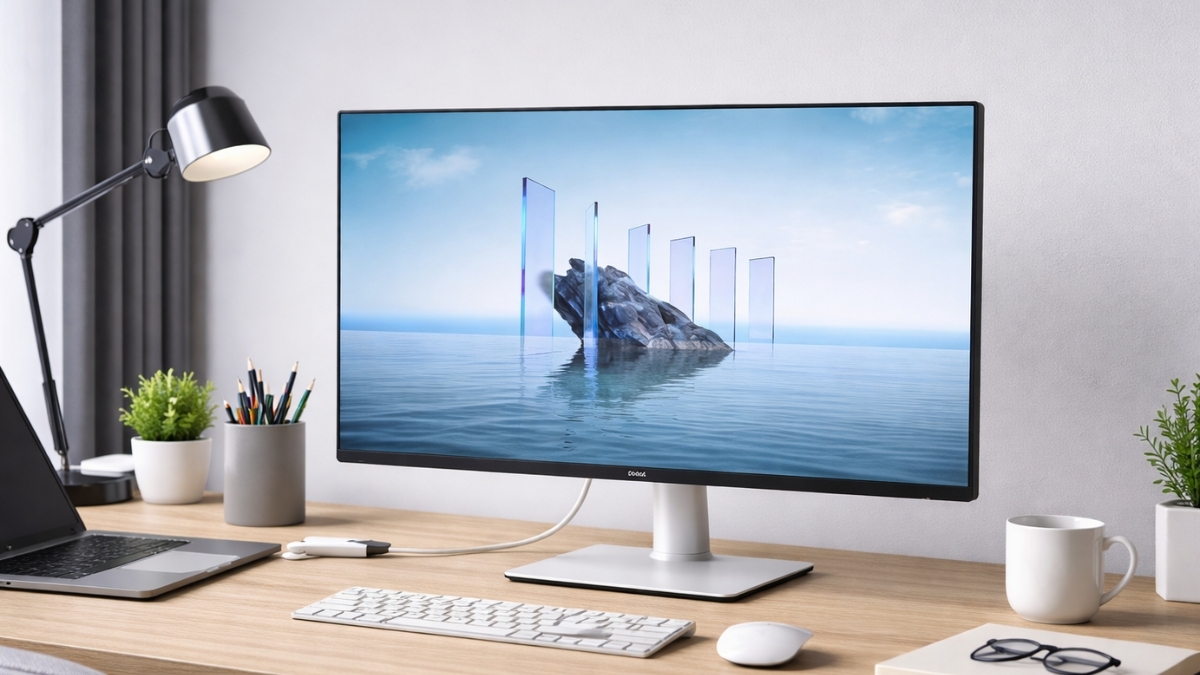
Your monitor can either slow you down or quietly level up your entire workflow. The Dell 27 Plus 4K USB-C Monitor (S2725QC) falls firmly into the second category.
With sharp 4K resolution, a surprisingly smooth 120Hz refresh rate, and single-cable USB-C connectivity, it checks boxes that matter in a real home or office setup.
After spending extended time testing this display in a dual-laptop workspace—handling spreadsheets, photo editing, browser-heavy research, and casual gaming—it became clear this is more than a spec sheet product.
At a typical Amazon US price ranging between $279 and $329 (depending on sales), it lands in a competitive mid-range tier. Monitor use affects productivity, eye comfort, and posture.
According to the American Optometric Association, prolonged screen time can contribute to digital eye strain, especially without proper display settings and breaks. That makes panel quality and eye-comfort features more important than many people realize.
Dell 27 Plus 4K USB-C Monitor (S2725QC) Features and Core Specs
If you’re searching for a Dell 27 4K monitor, you’re likely looking for clarity, connectivity, and a clean desk setup. Here’s what this model delivers:
- 27-inch IPS panel
- 3840 × 2160 (4K UHD) resolution
- 120Hz refresh rate
- 4ms response time (GtG)
- 99% sRGB color coverage
- 1500:1 contrast ratio
- 350 nits brightness
- USB-C with up to 65W power delivery
- Dual HDMI ports
- AMD FreeSync Premium
- Built-in dual 5W speakers
- VESA 100 × 100 compatibility
On paper, it reads like a hybrid productivity and light gaming display. In real-world use, it leans heavily toward office professionals, creators, and remote workers who want sharp visuals and simple connectivity.
4K Resolution That Makes Daily Work Easier
The jump to 4K resolution monitor 27 inch size is noticeable the moment you open a document or spreadsheet. Text appears crisp. Small UI elements look clean instead of fuzzy.
Long editing sessions feel less taxing because you’re not squinting at rough edges. For photo editing and light design work, the 99% sRGB coverage provides dependable color accuracy for web-based projects.
While it’s not marketed as a professional color-grading display, it performs well for content creators publishing to digital platforms.
Multitasking also improves. You can comfortably run:
- Two full browser windows side by side
- A video timeline with tool panels open
- Large spreadsheets without constant zooming
That extra pixel density reduces friction during the workday.
120Hz: Noticeable Even for Non-Gamers
Most office monitors stop at 60Hz. The 120Hz refresh rate here changes how scrolling feels. Documents glide smoothly. Cursor movement feels tighter. Even dragging windows across the screen looks cleaner.
If you’ve been using a standard 60Hz panel for years, the difference becomes obvious within minutes. For casual gaming, the combination of 120Hz 4K monitor capability and AMD FreeSync Premium reduces screen tearing.
Competitive esports players might want faster response times, but for story-driven games and console play, performance holds up well.
USB-C Connectivity That Simplifies Your Desk
A major reason people search for a USB-C monitor with 65W power delivery is cable reduction. This model allows a single cable to:
- Deliver 4K video
- Transfer data
- Charge most ultrabooks
During testing with a MacBook Air and a Dell XPS, the one-cable setup worked consistently. Plug in, and everything connects—external keyboard, mouse, storage drive—through the monitor’s hub.
That eliminates the need for a separate dock in many setups. Over time, that can offset additional accessory costs.
Ergonomics That Support Long Work Sessions
Good posture matters more than many people expect. Research from OSHA highlights the importance of monitor height and positioning in preventing neck and back strain.
This display includes:
- Height adjustment
- Tilt
- Swivel
- Pivot (portrait mode)
Portrait mode works well for coding or reviewing long documents. The matte anti-glare coating also helps in bright rooms, cutting reflections without dulling the image.
For multi-monitor setups, the thin bezels make alignment clean and visually consistent.
Eye Comfort and Real-World Usability
Dell’s ComfortView Plus reduces blue light exposure while maintaining color accuracy. Extended use showed less eye fatigue compared to older non-certified displays.
That matters if you spend six to eight hours daily on a screen.
It’s also worth noting that brightness tops out at 350 nits. That’s suitable for most home and office environments but may struggle in direct sunlight near large windows.
Built-In Speakers: Convenient but Limited
The integrated dual 5W speakers are practical for:
- Zoom meetings
- YouTube tutorials
- Casual streaming
They’re clear and functional. For music or cinematic sound, external speakers or headphones still offer better depth. This balanced approach keeps your desk uncluttered while providing basic audio support.
Pricing and Value on Amazon
Current Amazon US pricing typically falls between $279 and $329, with occasional sales dipping closer to $249 during major shopping events.
Compared to many competitors in the best 27 inch 4K USB-C monitor category, this model offers:
- 120Hz at 4K (rare at this price)
- Reliable brand warranty (3 years from Dell)
- Integrated power delivery
Some alternatives offer HDR, but HDR performance in this price range often lacks meaningful brightness improvements. If HDR is critical for your workflow, you may want to explore higher-tier models.
Potential Limitations to Consider
No product is perfect. Here are realistic considerations:
- No true HDR performance
- Not ideal for professional video color grading
- Speakers are basic
- 65W charging may not power larger gaming laptops
From an IT consultant’s perspective—after deploying multiple Dell UltraSharp and Plus models in office environments—long-term reliability has generally been strong.
Still, high-performance users working in film production or advanced 3D rendering may need wider color gamuts or higher wattage charging. Understanding your workflow matters more than chasing specs.
Who Should Buy This Monitor?
This model fits well for:
- Remote workers
- Programmers
- Financial analysts
- Students
- Content creators publishing for web
- Hybrid office professionals
If you’re searching for a Dell S2725QC review before buying, the takeaway is simple: this display prioritizes clarity, smoothness, and convenience over flashy extras.
It supports productivity without inflating the price.
Conclusion: A Practical Upgrade That Makes Sense
The Dell 27 Plus 4K USB-C Monitor (S2725QC) delivers strong value for professionals who want sharper visuals, smoother motion, and a simplified desk setup.
The 4K resolution enhances detail. The 120Hz refresh rate improves daily interactions. USB-C power delivery reduces cable clutter.
It doesn’t try to compete with high-end creative reference monitors or esports-focused gaming panels. Instead, it focuses on what most people actually use every day.
If you’re considering an upgrade, exploring the latest pricing and user feedback on Amazon can help you decide.
While you’re there, you may also find alternative models in the same range that suit specific needs like HDR or higher power output. A better workspace often starts with the screen in front of you.
Leave a Reply